
What is a VPN, How Does it Work, & Which One Should You Use?
Sign up for a free Squarespace trial here! #afflink

The details of your personal life should be yours and those you choose to share them with.
Most people aren’t fully aware of the privacy breaches that happen on a daily basis simply by using a cell phone, a laptop, or just being a citizen in the modern world, which - let’s face it - is HEAVILY surveilled.
I would bet a large portion of my savings that most of us have noooo idea just how watched over we truly are. Perhaps we would blush to know of the intimate moments of our lives that some organizations and individuals have access to.
Consider watching this documentary as a wake-up call.
My personal opinion is that it’s nigh impossible to achieve true privacy in this day and age, but we CAN take steps to tighten our personal security a bit more. We can at least make ourselves not so easily accessible.
VPN technology is one simple step to make your everyday online foot path less visible.
In this article, I’ll explain what VPN technology is and how it works, and then point you in the direction of some reputable VPN services you can use.
Virtual Private Networks Explained

What is a VPN?
VPN stands for virtual private network. In the simplest of terms, a VPN creates a private network from a public internet connection.
To a degree—because, again, I think total privacy is impossible—having a VPN helps keep you anonymous and leaves less of a trail of bread crumbs of your online activity.
A VPN will also hide your location. No matter where you are, you can select where your location displays in website analytics. For example, as a website owner, you can always go view the location of the visitors to your site, not just country or even state, but the actual town name they’re located in. And any website you visit will show a visit from the town you’re in. But if you have a VPN connected on your device, your location will show as what you tell it to. You might be in California but your VPN location can show as Omaha, Nebraska or Lithuania or any other location you choose.
VPN’s help keep your identity and data safe.
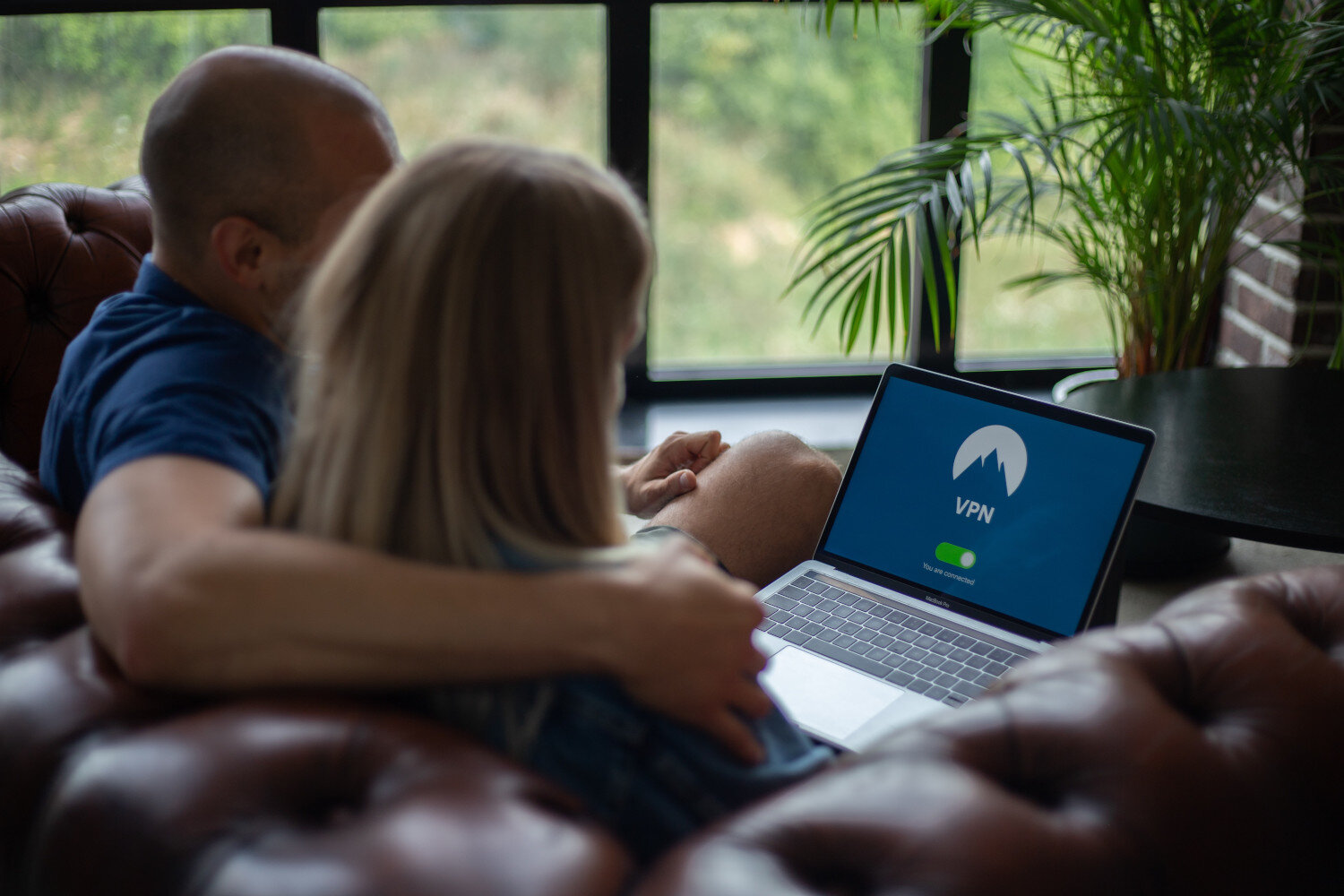
How Does a VPN Work?
To establish this secure connection, you will need to connect your device to a VPN server in another location. This is accomplished by using a VPN client.
Once you’ve set up and connected to a VPN on your device, the VPN will encrypt all of your information, sending it securely to a VPN and back. Your information is kept private to anyone outside this narrow pathway that is sending your personal information back and forth.
For a very in-depth explanation of what a VPN is and how it works, I recommend reading this article.

The Best VPN?
Choosing and setting up a VPN
Fortunately, you don’t have to be a tech wizard to setup a VPN on your device.
Most VPN companies have very simple setup processes consisting mainly of signing up and downloading a browser extension.
In my opinion, one of the best VPN services to go with is NordVPN. I’m an affiliate for NordVPN, too, so I can offer you a nice deal. Here you go:
Clicking the Grab the Deal button above will get you started with the signup process! Simple.
Note: you’ll save a ton of money by paying annually, rather than monthly. Here’s their pricing list.
Another important feature of NordVPN is that users report it does not affect their Internet speeds (VPNs can often slow down your Internet load times).
Beyond that, NordVPN is my top choice because it’s easy to use (easy to install, too) has numerous server locations, and has always taken a strong stand for individual privacy.
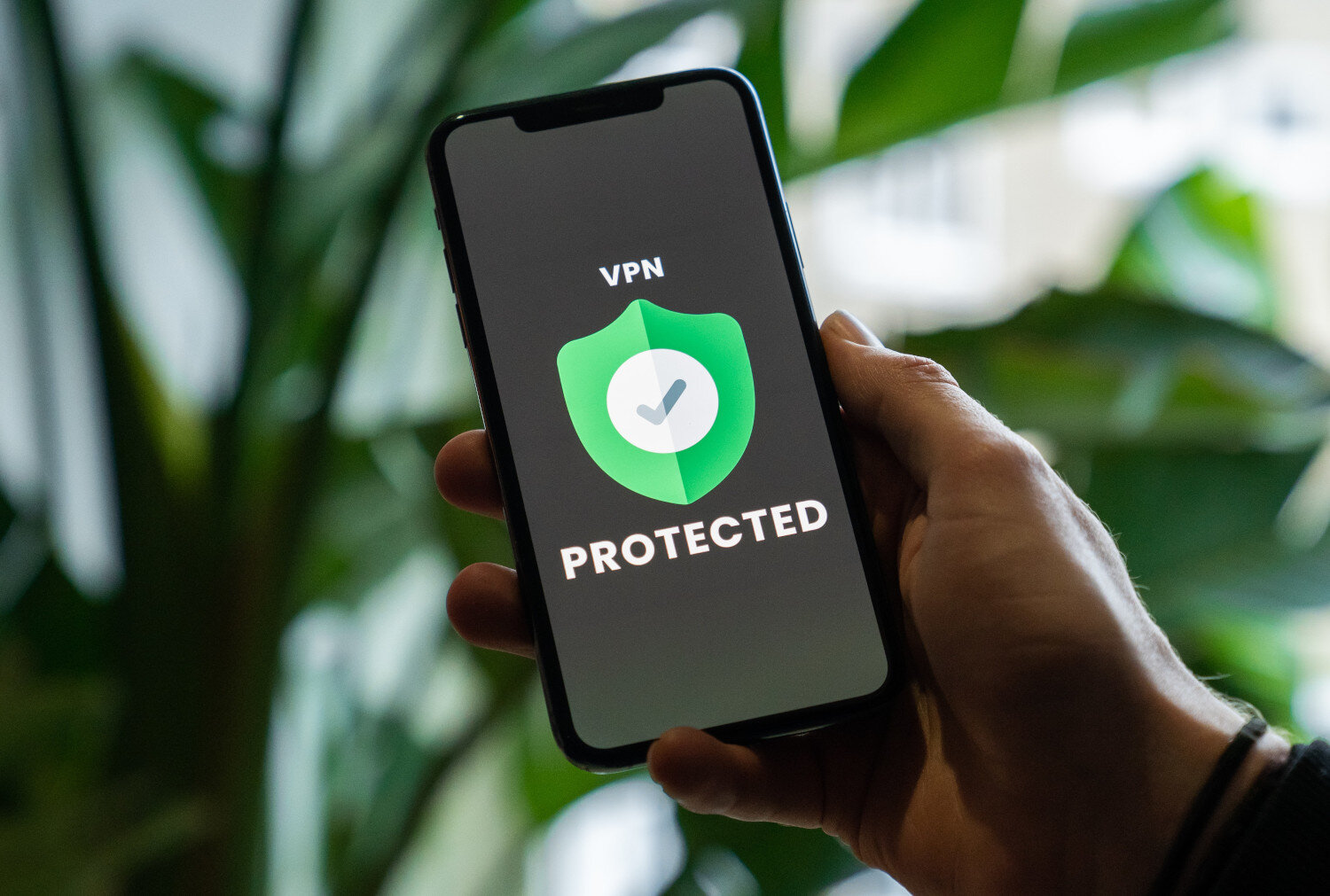
Right now, over 30% of Internet users rely on a VPN. Globally, the VPN market has been on a constant rise and is expected to reach $31 billion in 2021 (from $15 billion in 2016!). With so many of us now working from our own personal devices and from home, equipping yourself with a VPN is probably more important than ever.
Let me know if you have any VPN or privacy-related questions in the comments section below.
As always, thanks so much for stopping by and I’ll talk you again soon!
x
Tiffany





















Welcome!

Hey there! I’m Tiffany ~ a Squarespace Web Designer & SEO Expert. I design beautiful & professional websites that rank well on Google, & I teach courses on becoming a Squarespace SEO Expert and Starting Your Own Squarespace Design Business!
Feel free to contact me at: tiffany@tiffany-davidson.com
Sign up for a free Squarespace trial here! #afflink
My Squarespace Courses:

Learn how to get your Squarespace website (or any Squarespace website) to Google Page 1 using organic SEO techniques!
As a Squarespace Designer & SEO Expert, I know the methodology for truly getting Squarespace websites to rank on Google Page 1, and I’m going to teach it to you!
This course is a self-guided lifetime-access course, so you can go at your own preferred pace and keep it as a resource to return to time and time again.
Please note: This course was created using Squarespace version 7.0. The same principles will still apply with version 7.1, but the overall user interface will look slightly different. Due to the inherent nature of digital products, refunds are strictly prohibited once purchase has been made. Please also note the course cost is $267 in USD currency.

Learn how to turn your basic design knowledge into a functional and successful business!
In this course, I outline the procedures I use to run my Squarespace design business which continues to grow in revenue every single year and has given me wonderful freedom to not only work from home, but to be able to craft my own schedule. Becoming a Squarespace designer changed my life, and I think during these new times we find ourselves in, where so many businesses are having to transition to the online marketplace in order to stay afloat, becoming a self-employed web designer is a really smart move.
Please note:
This is not a design course. Rather, this course assumes you already possess at least a basic understanding of Squarespace design and need guidance on converting that knowledge into a business.
Due to the inherent nature of digital products, refunds are strictly prohibited once purchase has been made.
The course cost is in USD currency